Some food items are good, and some are not so good. With Lower6 Next, you don't have to guess anymore. Simply scan the menu, wait for the light, and let the app guide you to better choices. The light will set you free from DIETING.
What Does the Green Light Mean?
When you scan a menu item with Lower6 Next, the app analyzes the food and gives you an instant traffic light signal:
- 🟢 GREEN LIGHT: Great choice! This food supports your health goals.
- 🟡 YELLOW LIGHT: Okay option, but there are better alternatives available.
- 🔴 RED LIGHT: Not recommended. Consider choosing something else.
How Menu Scanning Works
Lower6 Next makes it incredibly easy to make smart food choices when dining out. Here's how the menu scanning feature works:
Step 1: Scan the Menu
Open the Lower6 Next app and point your camera at any restaurant menu. The app works with printed menus, digital displays, and even handwritten items.
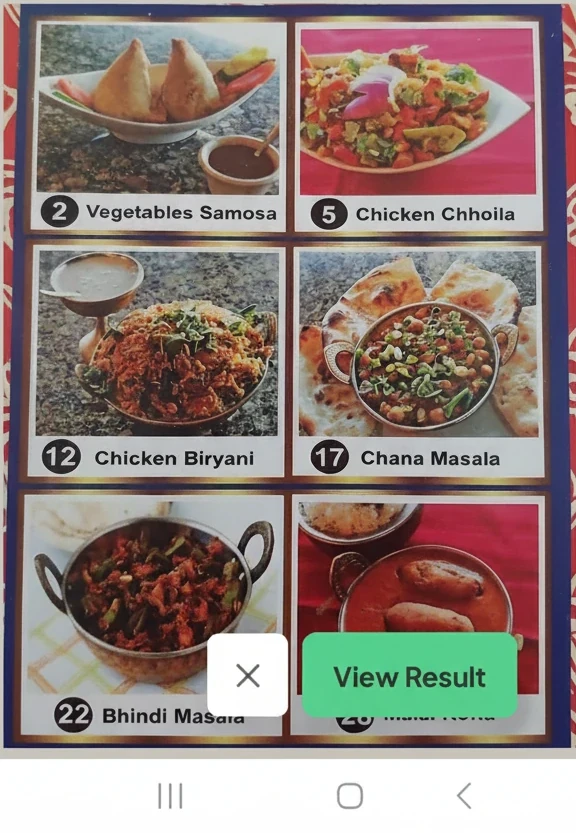
Image provided by Dr. Ross - Scan any restaurant menu
Step 2: Get Instant Results
Within seconds, the app analyzes each menu item and shows you which choices align with your health goals. Green means go, yellow means proceed with caution, and red means consider alternatives.
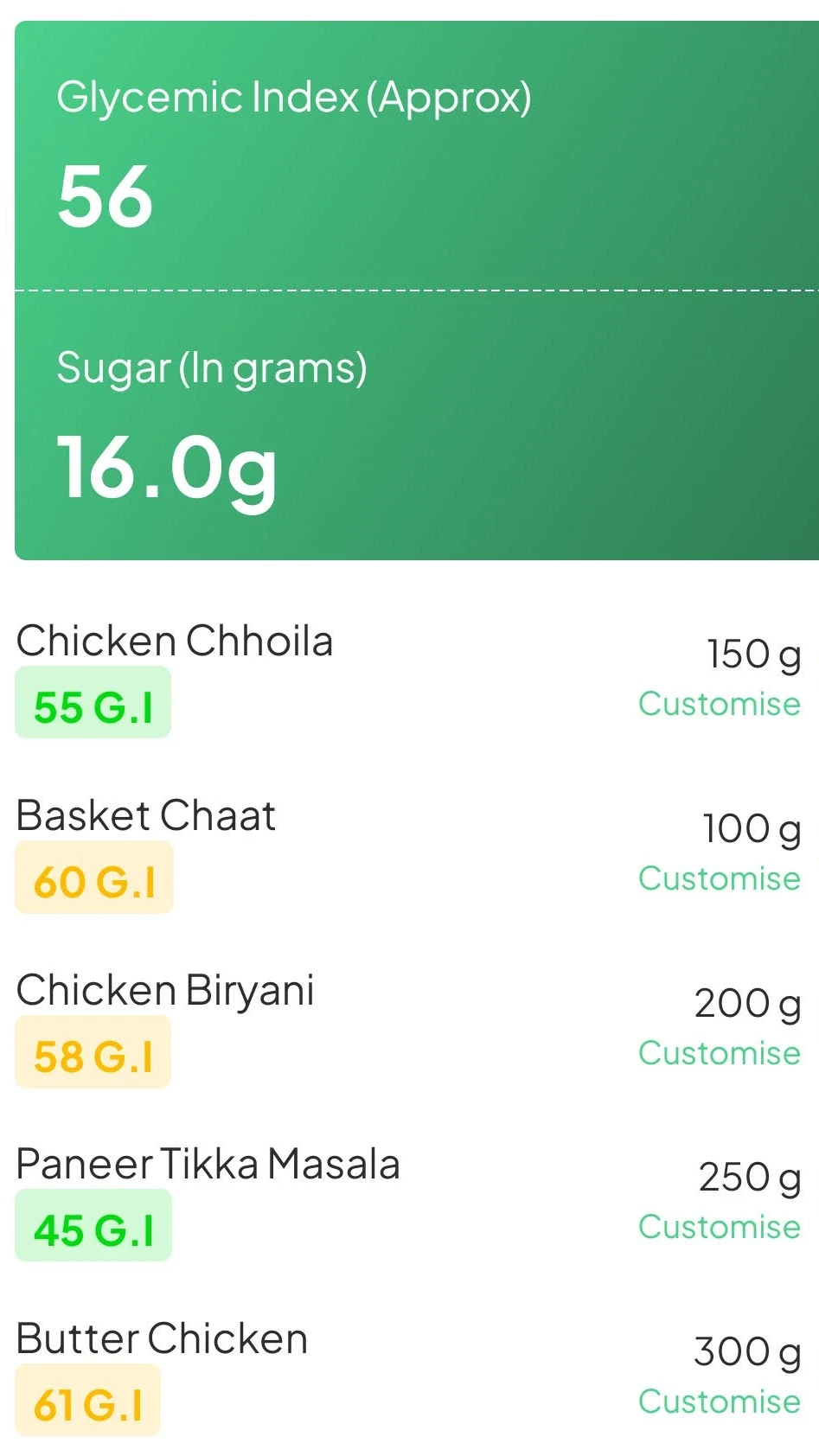
Image provided by Dr. Ross - Instant traffic light results
Even Blurry Menus? No Problem!
One of the most impressive features of Lower6 Next is its ability to work with less-than-perfect menu images. Whether the menu is slightly blurry, poorly lit, or at an angle, the app's advanced AI can still analyze the items and provide accurate guidance.
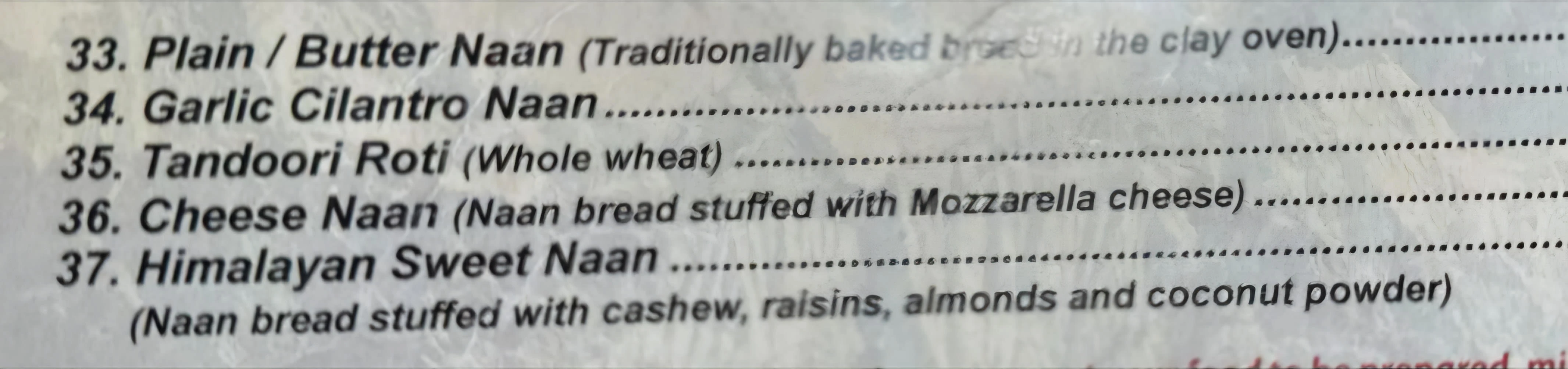
Image provided by Dr. Ross - Even blurry menus work perfectly
Don't worry about getting the perfect shot. Just point your camera at the menu, and the app does the rest.
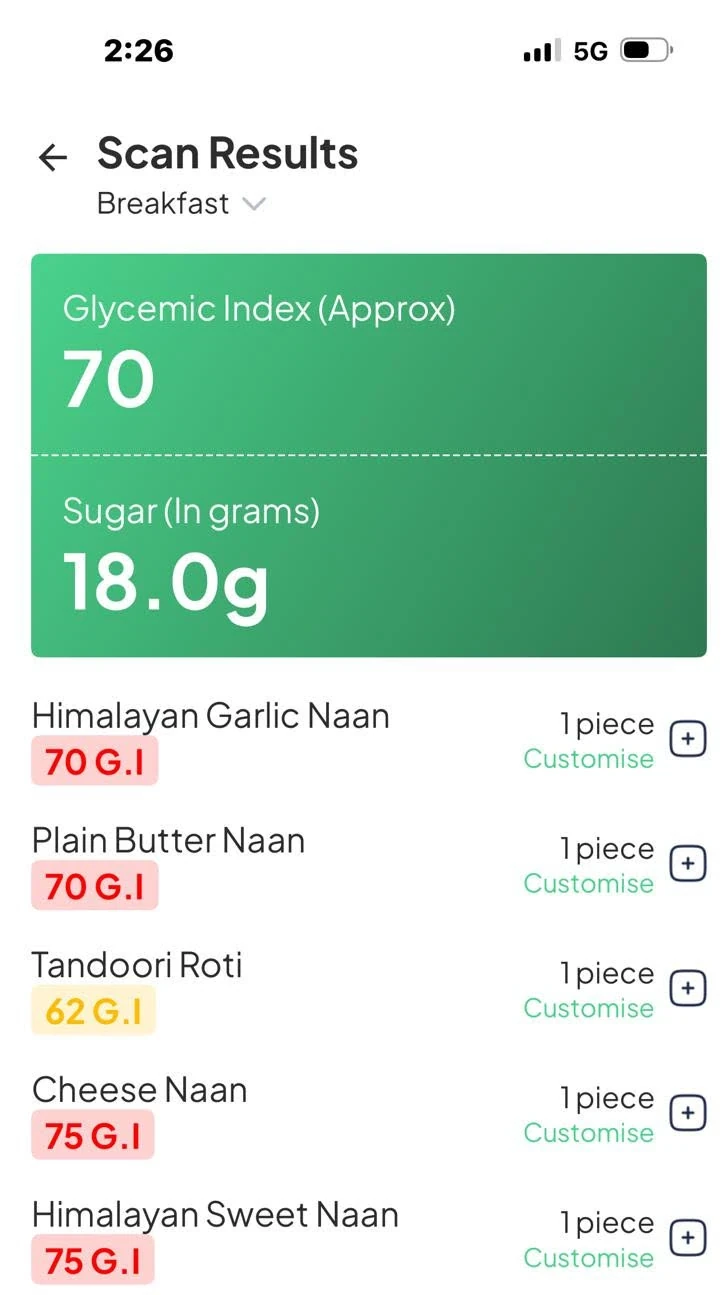
Image provided by Dr. Ross - Accurate results even from imperfect images
Real-World Benefits
Using Lower6 Next's menu scanning feature provides several key advantages:
- No More Guessing: Know exactly which menu items support your health goals
- Dining Confidence: Eat out without anxiety or second-guessing
- Time Savings: Make decisions quickly without endless menu analysis
- Stay on Track: Maintain your health goals even when dining out
- Universal: Works at any restaurant with any type of menu
Ready to Scan Your First Menu?
Download Lower6 Next and take the stress out of dining out with instant menu analysis.
Download the AppThe Bottom Line
With Lower6 Next's menu scanning feature, you never have to face a restaurant menu unprepared again. Simply scan, wait for the light, and make your choice with confidence.
No more complicated calculations, no more dietary guilt, no more confusion. Just clear, simple guidance that helps you enjoy dining out while staying true to your health goals.
Your prescription for a better life isn't in a bottle—it's in making smart choices, one meal at a time.